Paste 3.5
ChangelogPaste is a project that began in 2010 from the original pastebin.com source and has evolved into a fully-featured, modern code sharing platform.
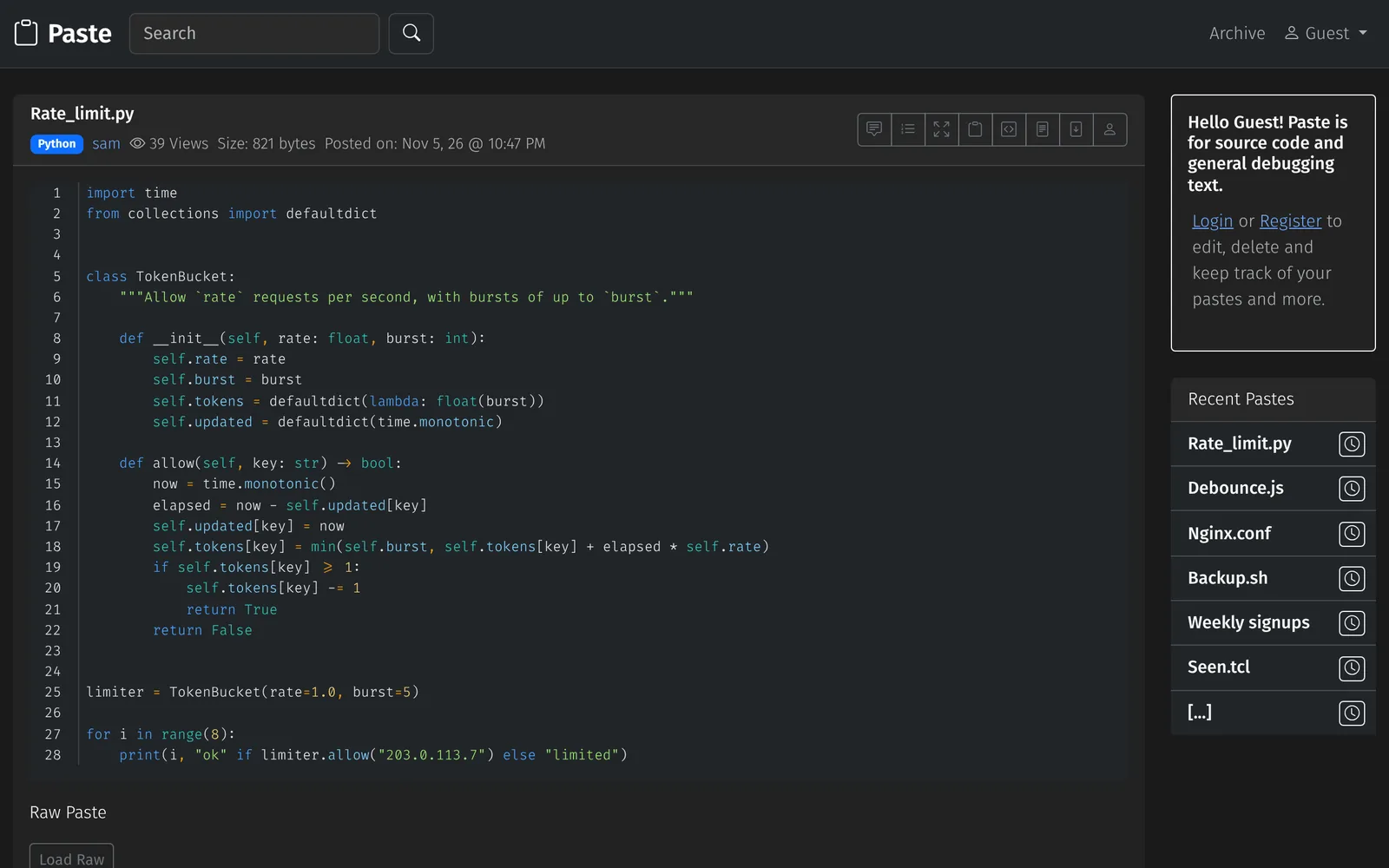
Features
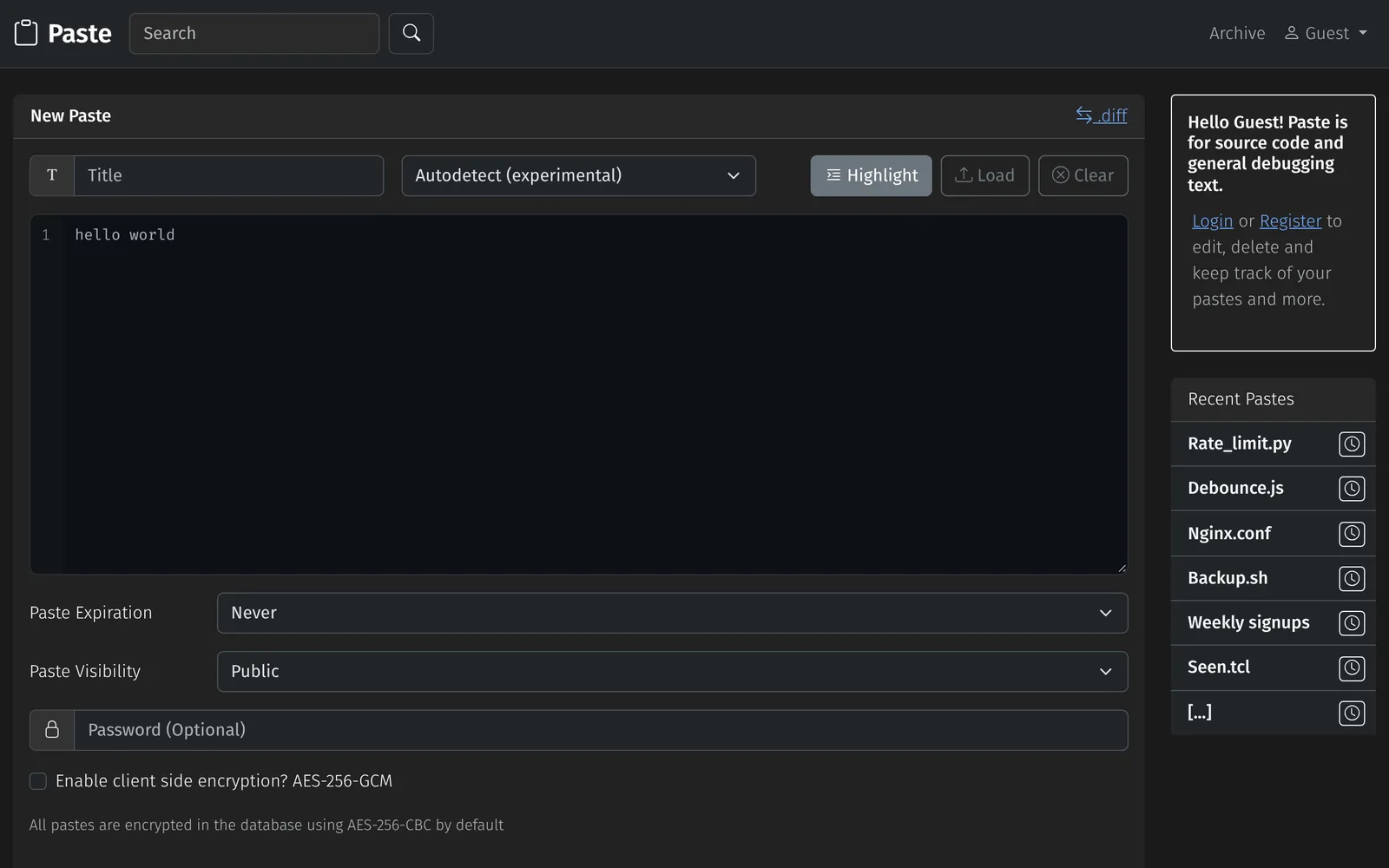
Pastes
- Syntax highlighting for over 200 languages with GeSHi or highlight.php
- Language autodetection for 77 languages that only picks one when it clearly fits, and shows why
- Public, unlisted and private pastes that expire after 10 minutes to a year, after the first view, or never
- Password protection with every paste encrypted, and optional AES-256-GCM client-side encryption
- Every paste is stored encrypted in the database
- Forks with a diff view, comments, Markdown, raw and download links, and embeds
- Short random URLs or numeric IDs, with clean URLs on Apache or nginx
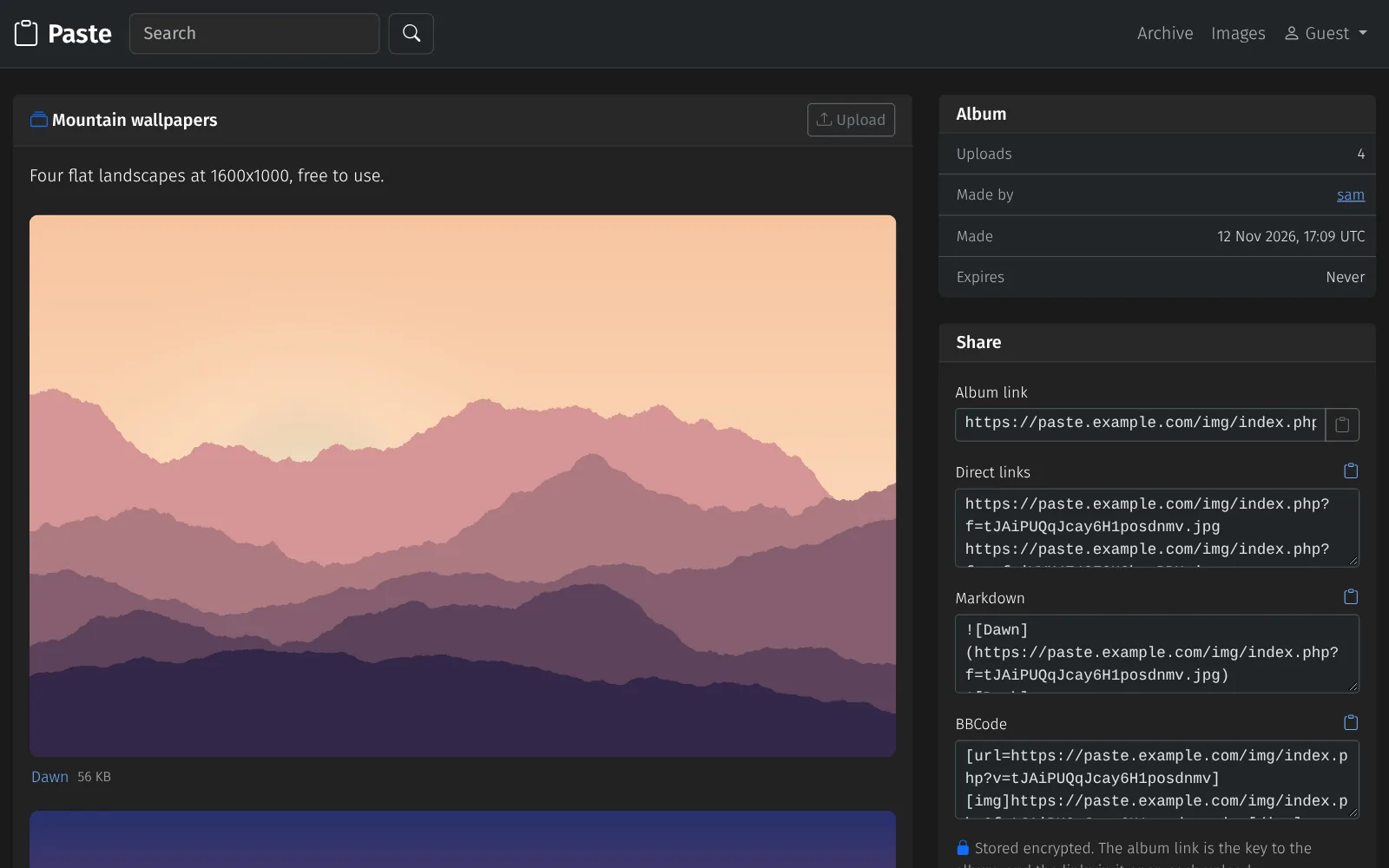
Uploads
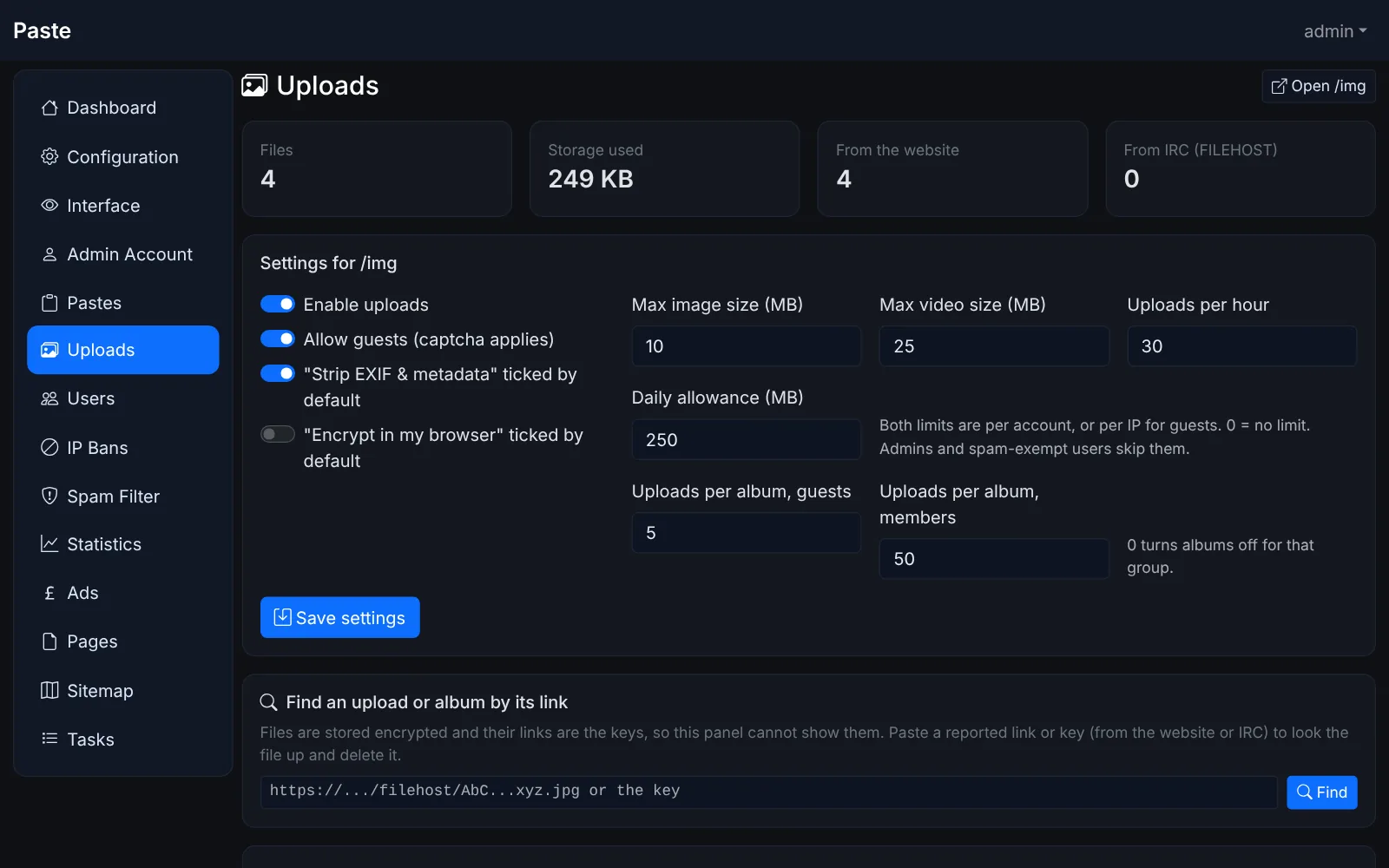
- Image and video uploads, each stored encrypted with its link as the key, so a file can't be opened without its link, even by admins
- Albums: one page and one link for several files, with a title and description, and uploads you can add, reorder or remove later
- A title for each upload, shown on its page and used as the download name
- Signed-in users see their uploads and albums on every device
- Optional client-side encryption, and EXIF and GPS tags removed by default
- Upload host for IRC clients that support the IRCv3
draft/FILEHOSTspec
Accounts and admin
- Registration with email verification, and sign-in with Google
- Stay signed in for 30 days, on more than one device at a time
- Admin panel for pastes, users, uploads and albums, IP bans, pages, ads, statistics and the sitemap
- Admin accounts can be limited to the sections they look after
- Album sizes set separately for guests and members
- One site can be served from more than one domain
- An installer that also upgrades an existing site in place
- Interface in ten languages
Spam
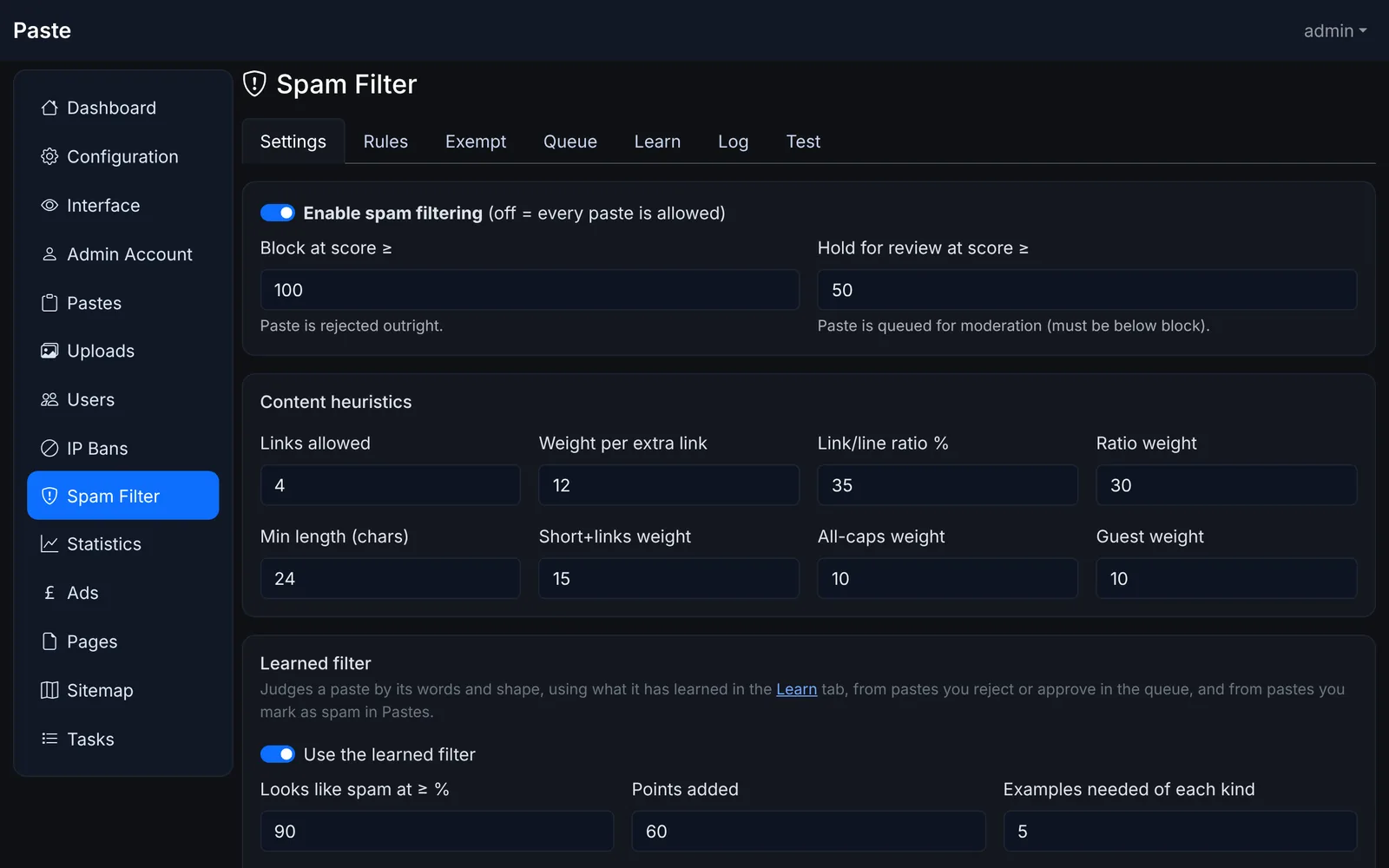
- A points-based filter with your own rules, a filter that learns from what you approve and reject, link domain and IP blocklists, StopForumSpam and a moderation queue
- reCAPTCHA v2 or v3, Cloudflare Turnstile, or a built-in image captcha
API
- JSON API to create, read, update, search and delete pastes, upload files and make albums
- Keys are stored hashed, can be limited to what they may do, and are rate limited
- A command-line client in Python for pastes, uploads and albums
Install
- Create a MySQL or MariaDB database and a user for it:
- CREATE DATABASE paste CHARACTER SET utf8mb4;
- CREATE USER 'paste'@'localhost' IDENTIFIED BY 'choose-a-password';
- GRANT ALL ON paste.* TO 'paste'@'localhost';
- Upload the files to your web server.
- Open
/install/in your browser. It checks your PHP setup, asks for the database details and an admin account, and writesconfig.php. - Delete the
installfolder.
Upgrading: upload the new files over the old ones, keeping config.php, then open /install/ again
and sign in with a full-access admin account, or run php install/upgrade.php. Your settings, pastes and uploads are kept.
Then delete the files the changelog lists as removed,
such as oauth/facebook.php and includes/password.php.
To serve the site from more than one domain, list the others in $alias_domains in config.php
(see docs/config.example.php).
Pages opened through one of them link and post to that domain.
Clean URLs work with the included .htaccess on Apache; on nginx, start from
docs/nginx.example.conf.
Composer is only needed for Google sign-in and SMTP mail.
Create a paste from the command line
- curl -X POST "https://paste.example.com/api.php?action=paste" \
- -H "X-API-Key: your_api_key" \
- -H "Content-Type: application/json" \
- -d '{"content": "print(\"hello\")", "title": "hello.py", "syntax": "python", "expiry": "1W"}'
- # or, with docs/paste_client.py
- export PASTE_API_URL=https://paste.example.com/api.php PASTE_API_KEY=your_api_key
- python3 paste_client.py --title "build log" < build.log
- python3 paste_client.py --upload screenshot.png --url-only
- # put uploads into an album (keys or links, in album order)
- python3 paste_client.py --album nD3SrAgZive8g4Y4JcsFV8 Qm7pXb2Ld9vRt4Kw8YzHs3 --title "Weekend walk"
Keys are made in Profile > API Keys. The reply gives the new paste's id, URL and raw URL. A site can also let guests create pastes and upload files without a key, with its own per-IP limit. Making an album needs a key.